

Getting started
Your first-match checklist
Version checks, bot practice, objectives, progression and voice chat. Start in the right order.
Read the guide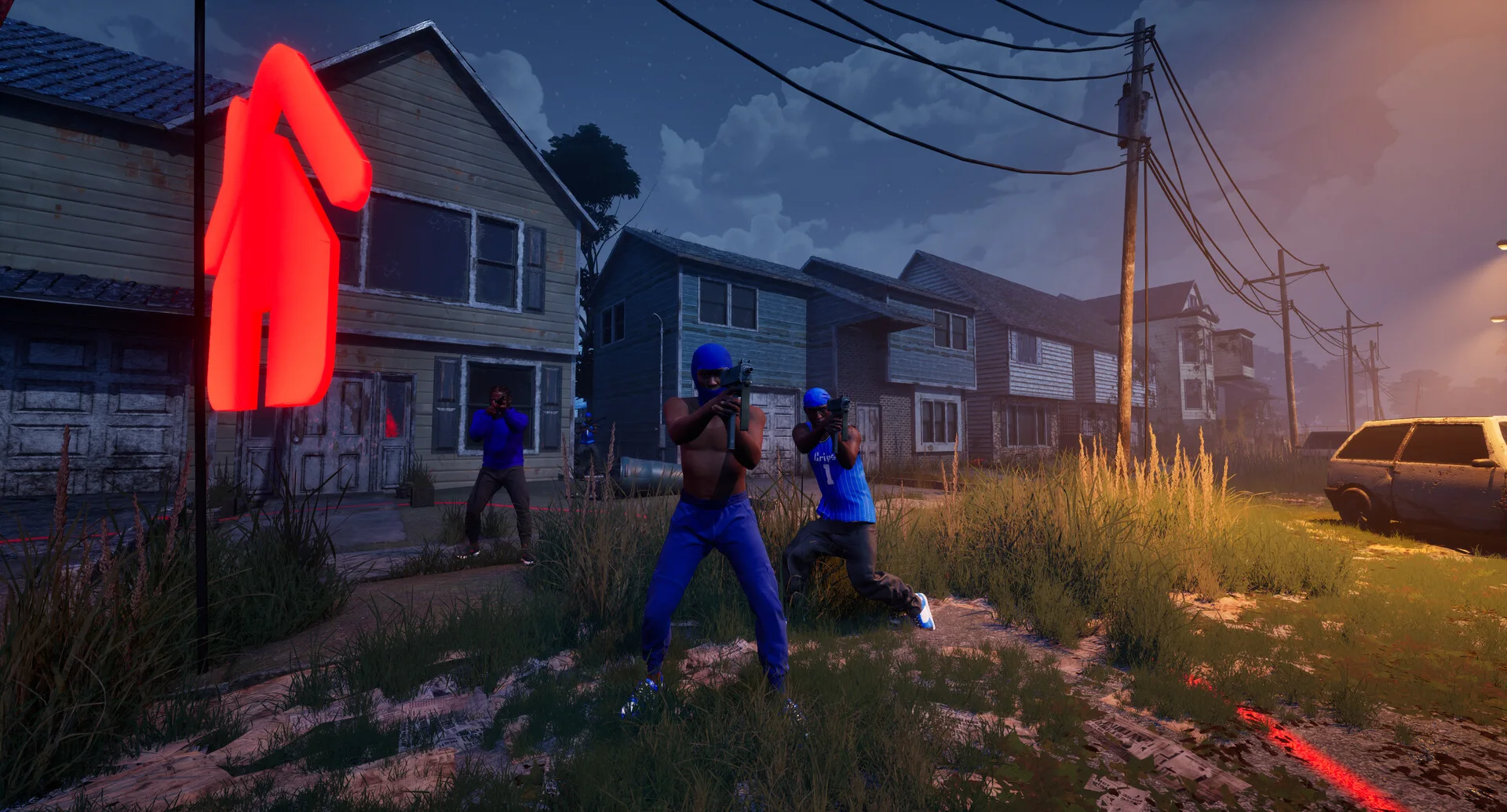
Chicago · UE5 · Multiplayer FPS
Your first match starts here. Understand all six modes, learn the map references, track your loadout and catch up on the patches. An independent guide grounded in official sources.
Official promotional image © Trapstar Games
Released
October 8, 2026Trapstar Games · Windows PCThe objective
Six distinct game modesTeam · Free-for-all · ObjectivesPractice first
Configurable bot matchesChoose map, mode & settingsBefore the first match
Version checks, bot practice, objectives, progression and voice chat. Start in the right order.
Read the guideSeparate levels, weapon challenges and skins. Know which attachment categories are confirmed.
Read the guideThe official minimum and recommended specs, plus a RAM and free-storage checklist.
Read the guideSix modes · Know the objective
Hold territory, bring home the bag, collect the chains or make your one life count. Know what wins the match.
Filter by the objective you want to practice. Categories are a guide tool.
Official rules are linked below. Player caps, timers and detailed score limits are not verified here.
Showing all 6 modes
Hold territory to build your team’s score.
Territory controlTwo teams compete for the higher kill count.
Team eliminationsEvery player competes individually; the most kills wins.
Free-for-allTake the opposing team’s bag back to your hood while protecting your own team’s bag.
Bag capture & returnOne team plants a bomb. The other stops the plant or defuses it. Each player has one life per round.
Bomb objective · one lifeCollect dropped enemy chains to score. Recover friendly chains before the opposing team collects them.
Collect & deny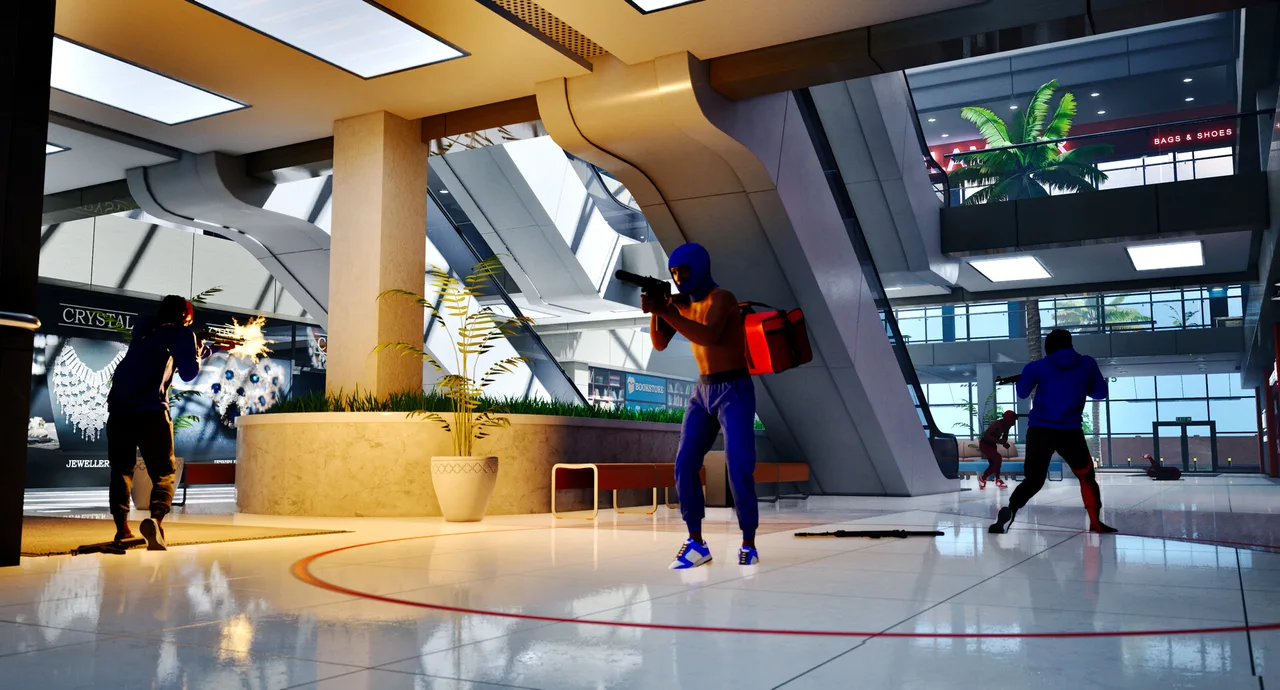
Official promotional screenshot: combat inside a multilevel mall. The image alone does not certify a map-menu name. Image credit
Maps & field notes
The Trenches and Chicago Mall are named in official material. The full roster remains unverified. Start by learning objectives, cover and exits.
Public Steam data · On request
Check the public Steam player count. Results may be cached for 10 minutes; this is not a server-status guarantee.

